
On-chain vs. Lightning, explained simply
Unseizable holds Bitcoin two ways: on-chain and over Lightning. Here's the plain-language difference, when each one fits, and why you don't have to choose.
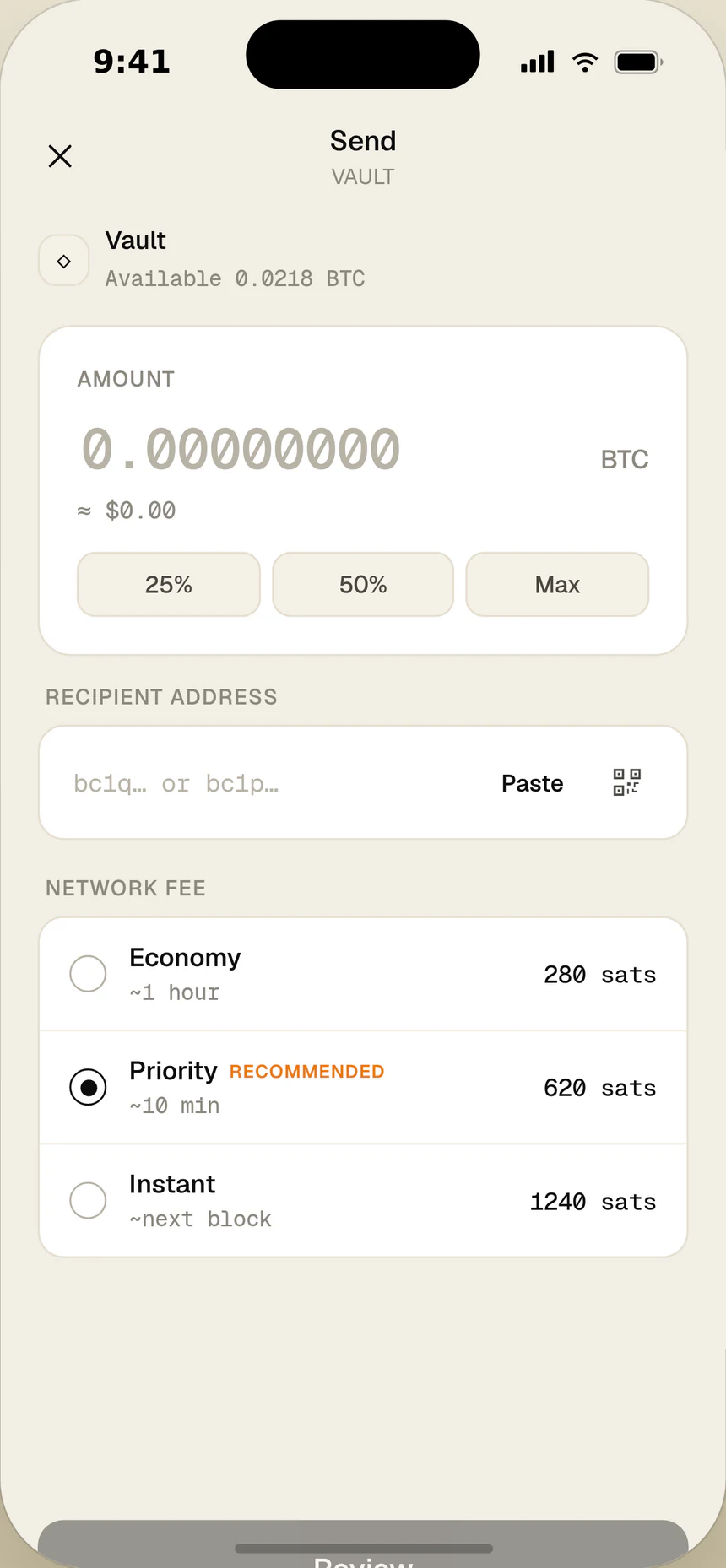
If you've used Unseizable, you've seen your balance split into two rails: on-chain and Lightning. They're both Bitcoin — the difference is how a payment moves and settles. You don't have to pick one; the wallet uses each where it fits.
On-chain: the settlement layer
An on-chain transaction is recorded directly on the Bitcoin network. It's the most final, most widely supported way to move Bitcoin, which makes it the natural choice for holding and for larger transfers. The trade-off is that it carries a network fee set by the network — not by us — and you'll see that estimate before you confirm.
Lightning: the payments layer
Lightning is a payments layer built on top of Bitcoin. It's designed for fast, low-cost everyday sends — the kind of payment where waiting for on-chain settlement would feel slow. Routing fees are typically tiny, and confirmation feels instant.
One balance, your choice
In Unseizable, on-chain and Lightning sit side by side and total into a single balance you can read in BTC, sats, or Canadian dollars. Both are non-custodial — your keys stay on your device either way. The point isn't to make you a network expert; it's to let you pay the way that fits the moment.
Funding your wallet with Interac e-Transfer, in CAD
No new payment rails to learn. Top up in Canadian dollars with Interac e-Transfer, then hold your Bitcoin in self-custody. Here's how funding works and what to expect.
Why self-custody matters for Canadians
Holding your own Bitcoin keys changes what ownership means. Here's what self-custody is, why it matters in Canada, and the responsibilities that come with holding the keys yourself.
Stop reading. Start holding.
Unseizable is a non-custodial Bitcoin wallet for iOS and Android — on-chain and Lightning, with keys that stay on your device.
Free to download · iOS and Android · App Store and Play Store